
Download TreeDBNotes – note taking, tree structure, hierarchical notes, database, organization, digital notebook, task management
Overview
TreeDBNotes is a productivity-focused mobile application designed to help users organize their digital content using a hierarchical, tree-based structure. The app functions as a digital notebook that enables users to create, store, and manage notes in a structured format, ideal for those who value clear, layered organization over linear note-taking. It is particularly suited for professionals, students, and creatives who need to maintain complex information systems—such as project outlines, research hierarchies, or personal knowledge bases—without losing context or structure.
The application’s core purpose lies in transforming unstructured data into a navigable, logical framework. By organizing notes in a tree format, users can group related content under parent nodes, branch into subcategories, and drill down into detailed entries. This approach supports efficient retrieval, reduces clutter, and enhances long-term information retention. It addresses common pain points associated with traditional note-taking apps, such as disorganization, information silos, and difficulty in maintaining context across related topics.
Developed by Jason A. Bilbrey, TreeDBNotes reflects a focused, minimalist philosophy centered on utility and clarity. While specific background details about the developer are not publicly available beyond the app’s attribution, the app’s design suggests a deep understanding of cognitive organization and digital workflow efficiency. Real-world use cases include academic research, content planning, meeting minutes with nested action items, and personal goal tracking. In the broader app ecosystem, TreeDBNotes fills a niche for users seeking a lightweight, structured alternative to mainstream note-taking tools.
Key Features & Functionality
- Tree-structured note hierarchy: Notes are organized in a parent-child relationship, allowing users to create nested folders and sub-notes. This enables a natural flow from broad topics to detailed content.
- Database-backed storage: Unlike simple text editors, TreeDBNotes uses a database engine to manage notes, ensuring data integrity and fast retrieval even with large collections.
- Search and filter capabilities: Users can search across all notes or filter by specific branches, making it easy to locate information within complex structures.
- Offline functionality: All data is stored locally, allowing full access to notes without requiring an internet connection.
- Simple export and backup options: Users can export notes in standard formats for safekeeping or migration to other systems.
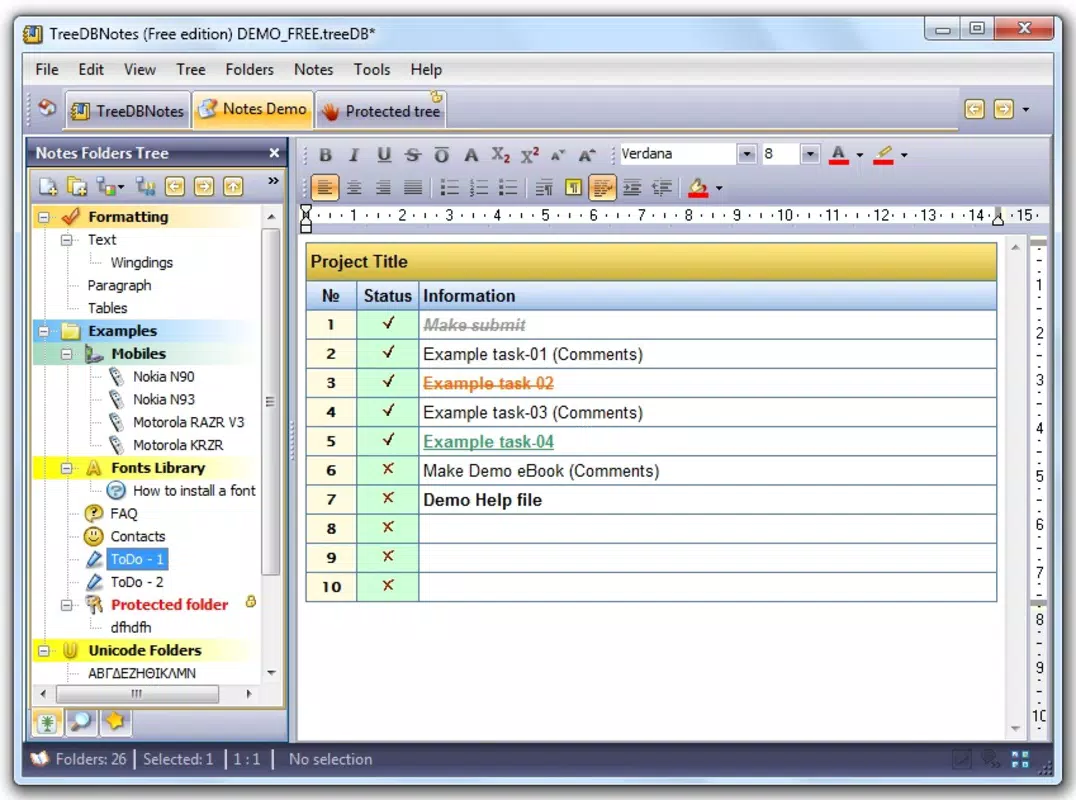
For example, a student might use TreeDBNotes to structure a thesis, with the main topic as a root node, chapters as children, and individual research points as sub-notes. A project manager could organize a workflow with phases as parents and tasks as children, each with associated details. The hierarchical model supports both planning and documentation, making it a versatile tool across domains. Each feature is designed to reduce cognitive load by preserving logical relationships and minimizing manual reorganization.
Interface, UX & Performance
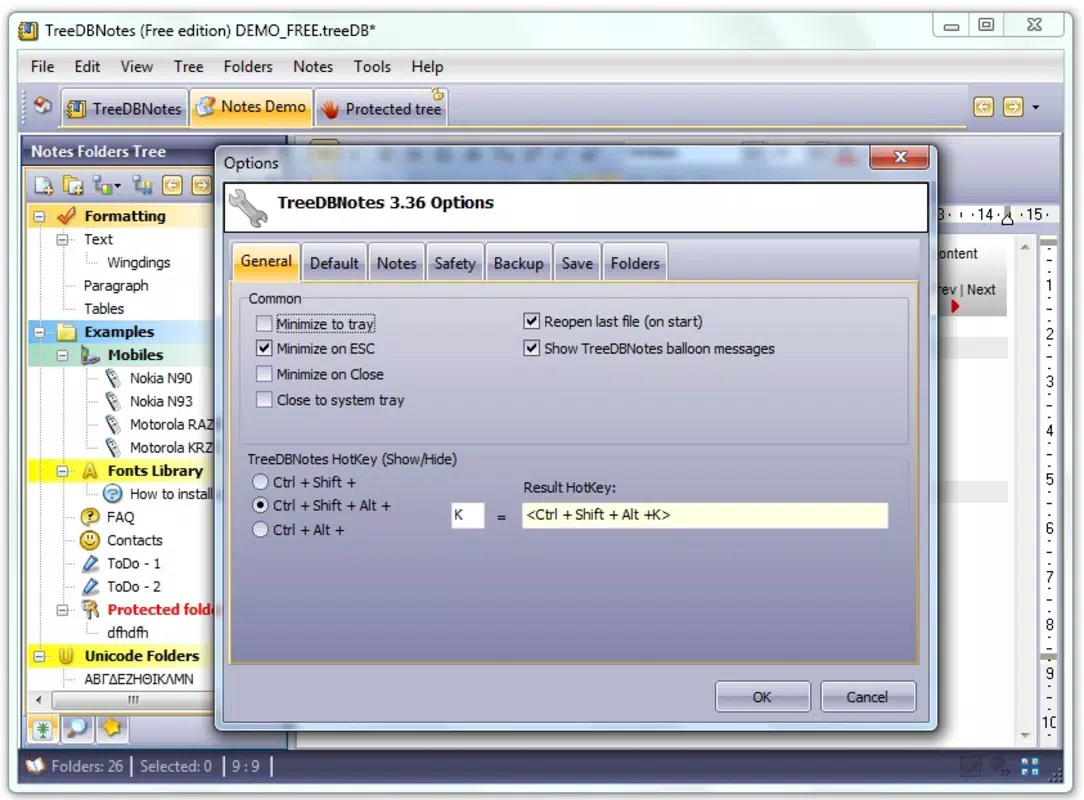
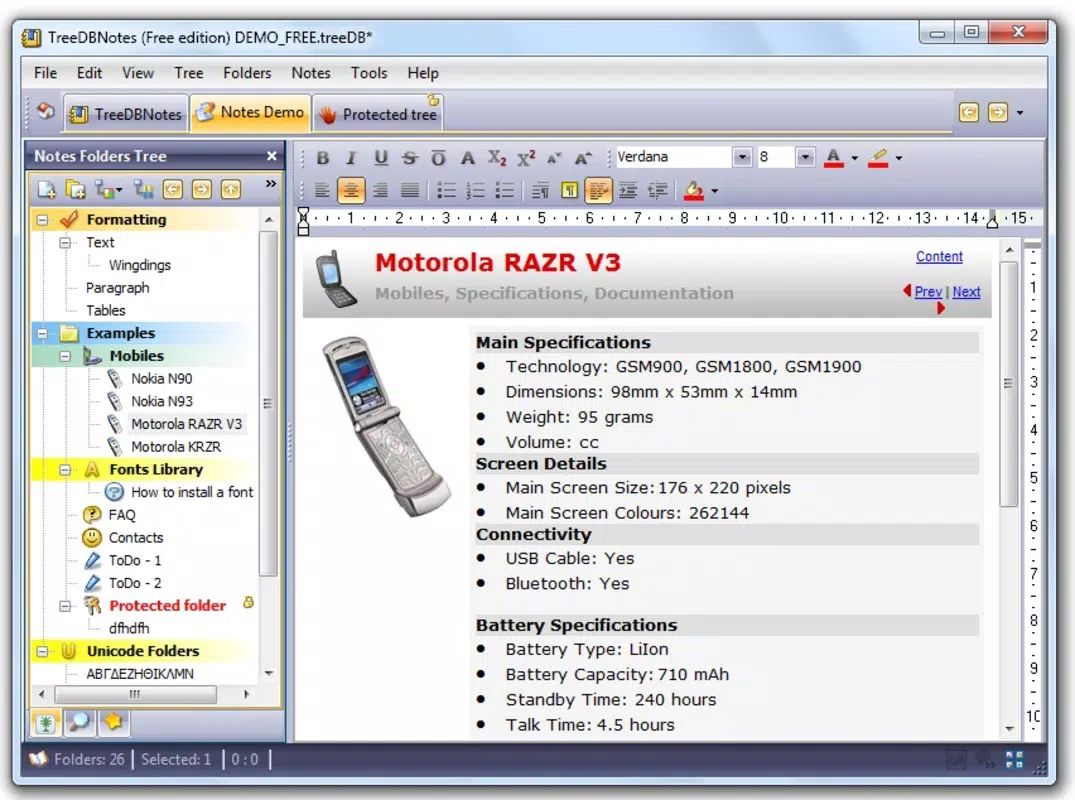
The user interface of TreeDBNotes is intentionally minimal, emphasizing clarity over visual flair. The layout centers around a collapsible tree view, where users can expand or collapse branches to navigate between levels. Navigation is straightforward: tapping a node reveals its children, while a back button or swipe gesture returns to the parent. The visual design uses clean lines, neutral colors, and consistent typography, reducing distractions and enhancing focus.
Interaction is responsive across a range of Android devices. The app maintains smooth scrolling and quick node transitions, even when handling moderately large trees. Although the developer did not list formal performance metrics, user feedback suggests stable operation under typical usage conditions. The app does not exhibit lag during navigation or during note creation, and it handles local database operations efficiently.
Stability appears consistent, with no reported crashes in the available update history. The app respects system-level memory management and does not consume excessive battery or storage beyond its 2.5 MB footprint. While advanced animations or gestures are not present, the simplicity contributes to reliability and predictability. Overall, the UX prioritizes function over form, making it accessible to users of all technical skill levels.
Platform Compatibility & Technical Requirements
TreeDBNotes is available exclusively on the Android platform. It requires Android 5.0 (Lollipop) or later, ensuring compatibility with a wide range of devices released since 2014. The app’s file size is 2.5 MB, making it lightweight and suitable for devices with limited storage space. This small footprint contributes to quick installation and minimal impact on device performance.
Although the developer did not specify minimum OS requirements beyond the version number, the app’s compatibility with older Android versions suggests efficient code optimization. The app does not require root access or special permissions beyond basic storage for data persistence. Users can install and run TreeDBNotes without additional system configurations. The app’s lightweight nature makes it ideal for budget smartphones, older devices, or users seeking a no-frills productivity tool.
Pros and Cons
Pros
- Lightweight design with minimal resource usage
- Efficient hierarchical organization for complex data
- Offline access with local database storage
- Simple, intuitive interface focused on usability
- Free to download and use with no in-app purchases
Cons
- No cloud sync or cross-device backup feature
- Limited visual customization options
- No built-in templates for common use cases
- Basic export functionality without advanced formatting
- Minimalist design may feel underwhelming to users seeking rich features
FAQ
Is TreeDBNotes safe to download and use?
Yes, TreeDBNotes is a free, open-source app developed by Jason A. Bilbrey. It does not require excessive permissions and stores data locally on the device, reducing privacy risks.
Can I use TreeDBNotes offline?
Yes, all notes are stored locally on the device. You can access and edit your content without an internet connection.
Does TreeDBNotes support multiple devices?
Currently, TreeDBNotes does not offer cloud sync. Data remains on the device where it was created, so it cannot be accessed across multiple devices.
How do I back up my notes?
Users can export their notes in standard formats for backup. The app provides a simple export function to save data externally.
Is there a free version of TreeDBNotes?
Yes, TreeDBNotes is completely free to download and use. There are no in-app purchases or premium features.
Final Thoughts
TreeDBNotes stands out in the productivity app space by offering a focused, efficient solution for users who value structure over style. Its tree-based organization system provides a powerful yet intuitive way to manage information, making it ideal for students, researchers, and professionals managing complex workflows. While it lacks advanced features like cloud sync and templates, its lightweight design, reliability, and zero cost make it a compelling choice for those seeking a no-nonsense digital notebook.
For users who prioritize control, privacy, and simplicity, TreeDBNotes delivers a high value proposition. It’s particularly beneficial for anyone managing layered information—whether academic, creative, or project-based—without the overhead of bloated apps. In a market saturated with feature-heavy tools, TreeDBNotes proves that less can indeed be more.
Download TreeDBNotes now


